

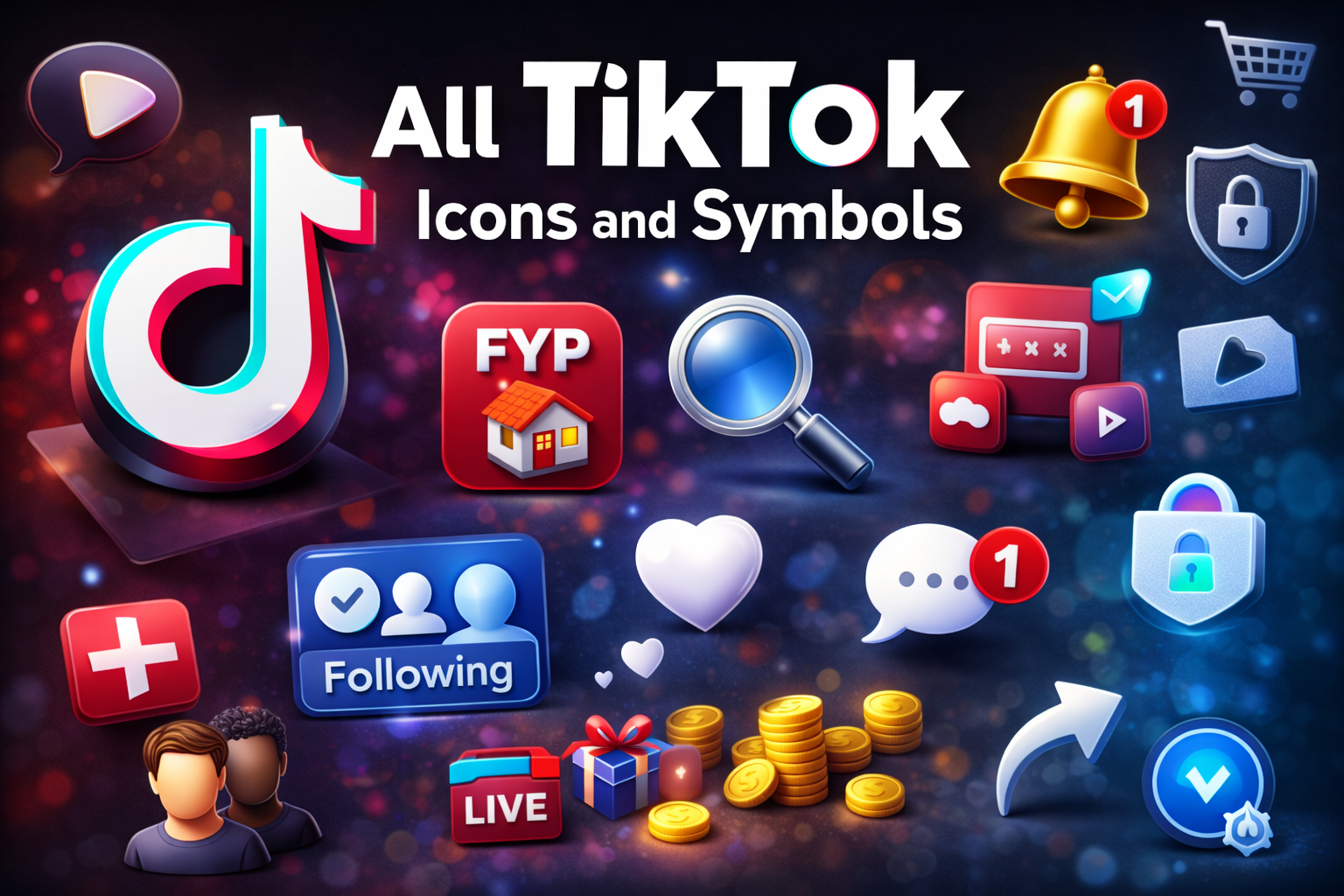
TikTok is full of tiny icons and symbols, but not everyone knows what they are actually supposed to mean. These tiny icons, from hearts and arrows to hidden icons on the Home feed, profile, Live, and Direct Messages, quietly rule how users watch, create, and interact with videos every day.
If you’ve ever said to yourself, “What does this TikTok icon mean? “, you’re not alone.
Overview This guide is for:
- New users of TikTok
- Content creators and influencers
- Parents and casual scrollers
- Anyone who doesn’t understand updates and changes in layouts on TikTok
What Are TikTok Icons and Symbols?
Read also :Instagram Symbols Explained: What Each Icon Means
Icons are also used in TikTok to denote actions, functions, or notifications like like, share, sound, shop, live, and privacy. Knowing what they are can help you avoid making mistakes like blocking someone by mistake or even misunderstanding a situation.
Icon Types in TikTok can be categorized as follows:
- Navigation icons: Home, Friends, Create (+), Inbox, Profile
- Icons for interactions: Like, Comment, Share, Save, Sound
- Icones de profiles: Seguidores, Seguindo, Link
- Live Icons: Gifts, Coins, Viewer count, Mic/Camera
- DM icons: SM Funnel, Media Funnel, Status
TikTok Main Screen Icons (Home & Feed)
For You Page (FYP) / Home tab
- The default feed that shows recommended videos based on what you watch, like, comment on, and share.
- This is where TikTok’s algorithm learns your interests and keeps serving similar content.
Following tab
- Shows videos only from accounts you follow.
- Great for a more curated feed when you just want to see familiar creators.
Search / Discover (magnifying glass)
- Opens the search page where you can look up users, sounds, hashtags, and topics.
- Also shows trending sounds, challenges, and viral hashtags to explore new content.
Right-side video icons
- Profile picture with “+”: Appears when you don’t follow that creator; tap to follow instantly.
- Heart: Like the video—once tapped, it changes appearance and teaches the algorithm what you enjoy.
- Speech bubble: Opens the comments, where you can read, reply, or post your own comment.
- Bookmark / ribbon: Saves the video to your Favorites or collections for easy access later.
- Arrow (Share): Lets you send the video to friends, copy the link, or share it to other apps.
- Spinning disc / record: Shows the sound used in the video; tap to see more videos with that audio or reuse it.
Bottom Menu Icons and Navigation
Home icon
- Takes you back to the For You and Following feed from anywhere in the app.
Friends / People icon
- Shows content and activity from friends, mutual followers, and suggested connections.
Plus (+) icon
- Opens the camera/editor so you can record or upload a video, add sounds, effects, filters, and text.
Inbox / Bell icon
- Shows all notifications: likes, comments, new followers, mentions, live invites, and system messages.
Profile icon
- Opens your profile, where you see your posts, drafts, bio, followers, and access to settings and tools.
Profile Icons and Badges

Read also : Understand WhatsApp icons and symbols to chat with more clarity and confidence.
Profile basics
- Profile photo 🖼️: The round picture that appears on your TikTok profile and next to your name on videos and comments.
- Username / handle @: Your unique TikTok ID that people can search for and tag.
- Display name & bio 📛📝: The name and short description shown at the top of your profile that tell people who you are.
Edit Profile & controls
- Edit profile ✏️: Button on your profile where you change your photo, name, @username, bio, and add links (like Instagram, YouTube, or website).
- Menu / three lines ☰: Opens TikTok’s profile menu with options like Settings & privacy, balance, tools, and account management.
Followers, Following, Likes
- Followers 👥: How many people follow your TikTok account—shows the size of your audience.
- Following ➡️👤: How many accounts you follow on TikTok.
- Likes ❤️: Total likes on all your public TikTok videos (if shown), which gives a quick idea of overall engagement.
Blue checkmark (Verified badge 🔵✔️)
- Shows TikTok has confirmed the account is real and notable (brands, celebrities, big creators).
- Helps users quickly see which account is official and avoid fake copies
Icons in Comments, DMs, Live, and Notifications
Comment section icons
- Reply arrow (↩️): Reply directly to a specific comment in a thread.
- Heart next to comments (❤️): Like a comment; creator likes can push comments higher.
- Pinned label (📌): The creator has pinned this comment to stay at the top.
- Three dots (⋯): Options like report, delete (for the creator), or copy text.
DM icons (Direct Messages)
- Paper airplane (📨): Send a video or message privately.
- Media icons (🖼️🎥😊🎞️): Send photos, videos, emojis, or GIFs in chat.
- Status indicators (✔️✅👁️): Some versions show subtle marks or labels for sent, delivered, or seen.
Live icons
- LIVE badge (🔴 LIVE): Shows a user is currently live; tap to join their stream.
- Coin icon (🪙): In-app currency you buy with real money and use to purchase gifts.
- Gift box / gift icons (🎁🎀): Virtual gifts viewers send to support the host.
- Eye icon (👁️): Shows current viewer count.
- Chat bubble (💬): Opens or hides live chat messages.
- Mic icon (🎙️): Mute or unmute the host’s audio.
- Camera icon (📷): Turn video on or off (for temporary audio-only moments).
- Multi-guest / co-host icon (👥): Add guests or co-hosts to the screen for a group live.
Notification icons
- Heart (❤️): Someone liked your video.
- Comment bubble (💬): New comment or reply.
- @ symbol (@): Someone mentioned or tagged your username.
- User / person icon (👤): New follower or follow request (for private accounts).
- System / alert icons (⚠️🔔): Updates about new features, warnings, or guideline-related messages.
Symbols in Captions, Hashtags, Sounds, and Privacy
##Hashtags
- Used to group content by topic, challenge, or trend.
- Tapping a hashtag opens a page with all videos using that tag.
@ Mentions
- Used to tag or mention other accounts in captions and comments.
- Tagged users get notified and viewers can tap to open their profile.
Music note icon
- Represents sounds or songs used in videos.
- Tapping it shows more videos with the same sound and lets you reuse it.
Lock icon (privacy)
- On a profile: Account is private—only approved followers can see content.
- On a video: That video is not fully public and may be visible only to you, friends, or selected viewers.
Safety icons and controls
- Block / report (often under three dots): Used to block users or report content.
- Comment filters / restricted labels: Show when filtering or restricted mode is active to limit certain content or interactions.
Tips to Learn TikTok Icons Faster
- Tap and read labels:
Gently tap icons and watch for small text labels or hints that explain what they do.
- Practice key actions:
Regularly like, comment, share, and save videos so the icons become familiar and automatic.
- Recheck after updates:
After big app updates, quickly scan the Home, Profile, and Inbox screens because icons or their positions may change.
FAQ Section (Questions Only)
- What do the main icons on the TikTok home screen mean?
The main TikTok home screen icons let you switch feeds (For You / Following), search content, navigate Home, open your Inbox, view Friends, and access your Profile. - What is the difference between the For You and Following tabs on TikTok?
The For You tab shows a personalized, algorithm-based feed of recommended videos, while the Following tab shows videos only from accounts you follow. - What does the heart icon do on a TikTok video?
The heart icon lets you like a TikTok video, which saves it to your likes and helps the algorithm recommend similar content. - What does the bookmark or ribbon icon mean on TikTok?
The bookmark or ribbon icon saves a TikTok video to your Favorites or Collections so you can easily find and watch it later. - What does the spinning record or disc icon mean on TikTok videos?
The spinning record or disc icon shows the sound used in the video and opens a page where you can see and reuse that audio. - What does the blue checkmark badge on TikTok mean?
The blue checkmark badge means the account is verified, confirming it’s an authentic and notable profile such as a brand, celebrity, or big creator. - What does the LIVE badge on a TikTok profile or thumbnail indicate?
The LIVE badge indicates that the user is currently streaming live, and you can tap it to join their live video. - What do the icons in TikTok comments and DMs represent?
Icons in TikTok comments and DMs cover actions like replying, liking, pinning, reporting, sending messages or videos, attaching media, and sometimes showing message status. - What does the lock icon on a TikTok profile or video mean?
The lock icon shows that an account or video is private and can only be seen by approved followers or a restricted audience. - Why do TikTok icons and symbols sometimes change after an update?
TikTok icons and symbols change after updates because the app regularly refreshes its design, adds new features, and improves usability or branding.
Conclusion:
Once you understand TikTok’s icons and symbols, the app becomes much easier to use. Instead of feeling confused, you’ll know exactly what each button, badge, and icon does—so you can scroll, create videos, comment, go live, and manage your profile with confidence. This saves time, helps you avoid accidental taps, keeps you safer, and lets you make the most of useful features like sounds, favorites, lives, and privacy settings.
If this guide helped you make sense of TikTok’s interface, save it for later and share it with friends, parents, or anyone who feels overwhelmed by the app. And when you’re ready, check out more guides on TikTok privacy, content creation, and analytics to use TikTok not just for fun—but like a pro.And if you found this article helpful, share it with your friends.“Every TikTok icon has a story—learn it”. for more Educational news subscribe newssy.in